


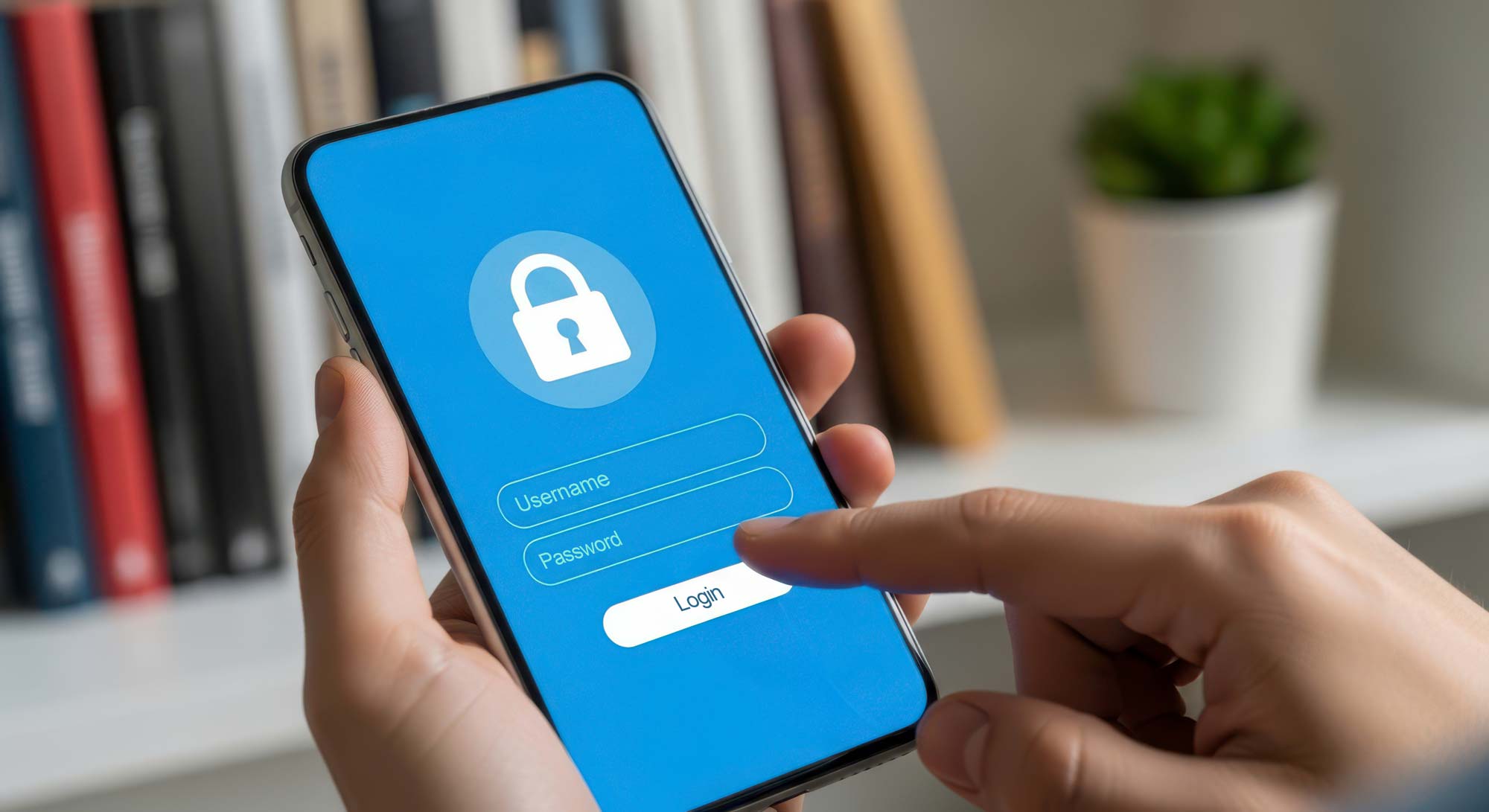
Digital banking is more prevalent than ever, but convenience comes with a cost: the growing threat of cybercrime. Hackers are becoming increasingly sophisticated, targeting individuals and institutions alike in attempts to steal sensitive financial information.
While banks and financial platforms invest heavily insecurity infrastructure, the truth is your online safety begins with you.Whether you manage your accounts through a desktop browser or mobile app, understanding how to protect your account online is essential. This guide offers proven strategies and practical tools to help you stay ahead of hackers and keep your money exactly where it belongs, secure and in your control.
Understanding the Threat Landscape
In an increasingly digital world, online banking has become the norm. With convenience, however, comes risk. Cybercriminals are constantly evolving their tactics to gain unauthorized access to sensitive financial information. Understanding how hackers operate is the first step toward protecting yourself.
Common Tactics Used by Hackers
Hackers deploy a wide range of tactics to breach online accounts, including:
- Phishing emails or texts that mimic your bank and trick you into revealing login credentials.
- Keylogging software that records everything you type, including usernames and passwords.
- Man-in-the-middle attacks during public Wi-Fi sessions, intercepting data between you and your bank.
- Credential stuffing, where hackers use previously leaked passwords to try logging into other accounts.
Being aware of these methods can help you recognizesuspicious behavior and avoid falling victim.
How to Secure Your Bank Account from Hackers Online
Strong Password Practices
The simplest yet most effective defense begins with your password. Use these strategies:
- Create a unique password for your account that isn’t used anywhere else.
- Incorporate a mix of uppercase, lowercase, numbers, and special characters.
- Avoid using predictable information like birthdays or names.
- Use a password manager to generate and store secure passwords.
Two-Factor Authentication (2FA)
2FA adds an extra layer of security by requiring a second form of verification, such as a text message code, app-based authentication, or biometrics, before you can log in.
- Use apps like Google Authenticator or Authy for more secure 2FA compared to SMS.
- If your bank offers biometric login options (face or fingerprint recognition), enable them for faster and more secure access.
Monitoring Account Activity
Stay proactive by regularly reviewing your account for unauthorized transactions.
- Set up transaction alerts via text or email.
- Review your monthly statements line by line.
- Most banks offer real-time fraud alerts; make sure they're enabled in your account settings.
Safe Browsing Habits
How you browse online plays a crucial role in your financial security:
- Only log into your account from secure, private networks.
- Always check for “https://” in your bank’s URL.
- Avoid clicking on links in emails or texts, go directly to your bank’s website or use their official app.
- Never save your login credentials in a browser.
Mobile Safety Tips
As mobile banking becomes the go-to method for many, securing your smartphone is just as important as securing your desktop:
- Download your bank’s official app only from trusted sources like the Apple App Store or Google Play.
- Avoid third-party app stores, which may host malicious software disguised as banking tools.
- Enable biometric authentication (Face ID or fingerprint) in your banking app for quick and secure access.
- Use your phone’s auto-lock feature and set a strong device passcode.
- Avoid banking over public Wi-Fi. If necessary, use a VPN to encrypt your connection.
- Turn on auto-logout features in your banking app in case it’s left open accidentally.
Tools and Resources for Enhanced Security
Selecting Reliable Security Software
A reputable antivirus or anti-malware program can prevent hackers from installing dangerous software on your devices.
- Choose software with real-time protection, firewall settings, and anti-phishing filters.
- Keep it updated regularly to defend against new threats.
- Some well-reviewed options include Bitdefender, Norton, McAfee, and Malwarebytes.
Keeping Your Devices Updated
Security vulnerabilities are constantly being discovered in operating systems, apps, and browsers. Updates often include patches that fix these issues.
- Enable automatic updates on your phone, computer, and apps.
- Delete apps you no longer use, they can be exploited if left outdated.
- Restart your devices regularly to ensure updates are applied properly.
What to Do If You're a Victim
Even with precautions, breaches can still occur. Knowing how to respond quickly is essential.
Immediate Steps to Take
- Contact your bank immediately to freeze or lock your account.
- Change all related passwords, including email accounts.
- Enable 2FA if it wasn’t already active.
- Use your antivirus software to scan for malware or keyloggers.
- Document everything for reference and investigation.
Reporting Cybercrime
Reporting fraud helps protect others and assists authorities in tracking down cybercriminals.
- Report to your bank’s fraud department.
- File a complaint with the Federal Trade Commission (FTC) via identitytheft.gov.
- Consider filing a police report for further protection and evidence.
- If your Social Security number was compromised, contact the Social Security Administration and credit bureaus to put a fraud alert on your file.
Proactive Account Management Habits
Here are a few ongoing habits to help you stay ahead of fraudsters:
- Use your bank's mobile app over mobile browsers, they’re often more secure.
- Enable login notifications so you’re alerted when someone accesses your account.
- Check if your bank provides virtual cards or spending limits for online shopping.
- Avoid using public computers for any financial activity.
Conclusion
Cybersecurity isn’t just for tech experts, it’s essential knowledge for anyone who uses online banking. By following best practices like enabling two-factor authentication, using strong passwords, staying alert for phishing attempts, and keeping your software up to date, you can significantly reduce your risk of bank account hacking.
The key is to stay vigilant, proactive, and informed. Afterall, your financial future depends on it. Cybercrime is always evolving. Make it a habit to stay updated:
- Follow your bank’s security blog or alerts section.
- Subscribe to newsletters from the Federal Trade Commission (FTC) or Cybersecurity & Infrastructure Security Agency (CISA).
- Take free online courses on digital hygiene and password management.
A few minutes of ongoing education can protect you from costly mistakes and keep you confident as a digital banking customer.